-
Services
We transform your ideas into responsive and reliable solutions. Contact us to request top-notch IT services from Atlasiko Inc.
Contact Us - Case Studies
- Blog
- News
- About Us
- Contact Us
We transform your ideas into responsive and reliable solutions. Contact us to request top-notch IT services from Atlasiko Inc.
Contact UsEnter your website URL to check for potential PHP2Shell vulnerabilities for FREE.
Scanning
The check reads only what your homepage shows to any visitor and takes up to 30 seconds.
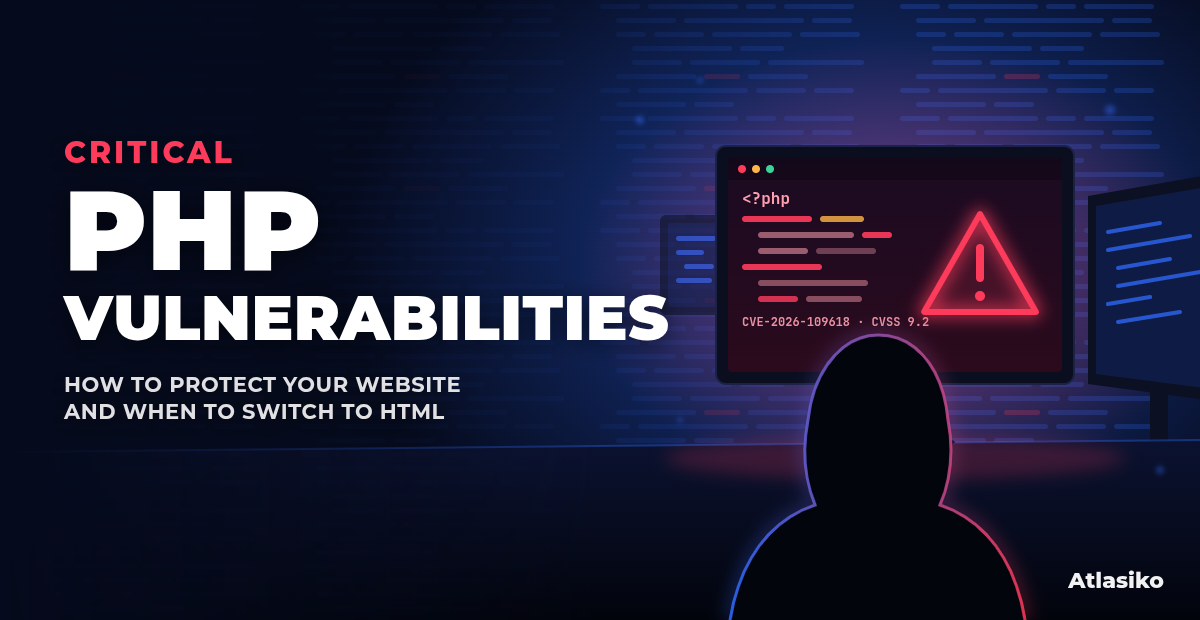
PHP2Shell is the name for two critical flaws in PHP itself, patched by the PHP project on October 21, 2026. Both let an attacker run code on a web server without logging in, and proofs of concept are already circulating. Any site on an unpatched PHP build is at risk, whichever CMS it uses.
One crafted request can run code on an unpatched server. Both flaws are rated 9.2 Critical under CVSS 4.0.
Check any website at no cost. No account, email address or credit card required.
Results in under 30 seconds, visible only to you. The check reads only the public homepage and never asks for logins or server access.
In October 2026, America’s Cyber Defense Agency announced a vulnerability that puts 70% of websites worldwide at risk. This vulnerability allows attackers to hack websites, steal information, or disrupt their operation.
The vulnerability affects PHP, one of the most widely used technologies for building websites. These vulnerabilities are known as PHP2Shell. They have been covered by major media outlets such as The Washington Post, CNN, CNBC, BBC, and The New York Times.
The vulnerabilities affect the following PHP versions:
PHP 8.1 and older versions are also affected. These versions no longer receive regular security updates from the PHP team. If your website uses one of them, contact your hosting provider or developer to find out whether a fix is available or whether you need to upgrade.
If your website runs an affected version, update PHP as soon as possible. You can find more details in the official PHP security announcements (opens in a new tab).
A website scan can help you spot potential problems, but it doesn’t tell the whole story. To make sure your website is protected, you also need to check which version of PHP it uses and confirm that the necessary updates have been installed.
First, find out whether your website uses PHP. If you manage several websites, check each one. PHP may be running behind the scenes, even if you don’t know it’s there.
If you’re not sure which version your website uses, ask your developer or hosting provider. They can check the version and tell you whether it needs to be updated.
Update PHP to a version that includes the fixes:
If your website is hosted by a provider, contact them to confirm that the necessary updates have been installed. They may need to update PHP on the server for you.
PHP 8.1 and older versions no longer receive regular security updates from the PHP team. Ask your hosting provider or developer whether a security fix is available for your version. If not, plan to move to a supported version of PHP.
If you can’t update your website right away, limit public access to it. If necessary, temporarily take it offline until the issue is fixed. This can help reduce the risk of an attack while you arrange the update.
Look for signs that someone may have hacked your website. Watch for unfamiliar files, unexpected changes to your pages, or anything else that seems unusual.
If you suspect your website has been hacked, contact a cybersecurity professional. Updating PHP fixes the known vulnerabilities, but it doesn’t tell you whether someone gained access to your website before the update was installed.
A backup is a separate copy of your website’s files and data. It can help you get your website back if something is damaged or lost.
Before updating PHP, make sure you have a recent backup of your website files and database. Keep it separate from your live website, and check that it can actually be used to restore your site if needed.
A backup won’t prevent an attack, but it can help you recover if something goes wrong.
For more information about the vulnerabilities and how to protect your website, see these resources:
Find out how the vulnerabilities were discovered and why they pose a risk to websites.
Check the fixed versions and read the PHP team’s recommendations.
Learn what organizations should do to protect their systems.
Read about observed attack attempts and recommended security measures.
Learn more about the vulnerabilities and how to reduce the risk.